Interpreter Marketplace1.1.9
Publisher Description


Fixed minor issues and improved performance.
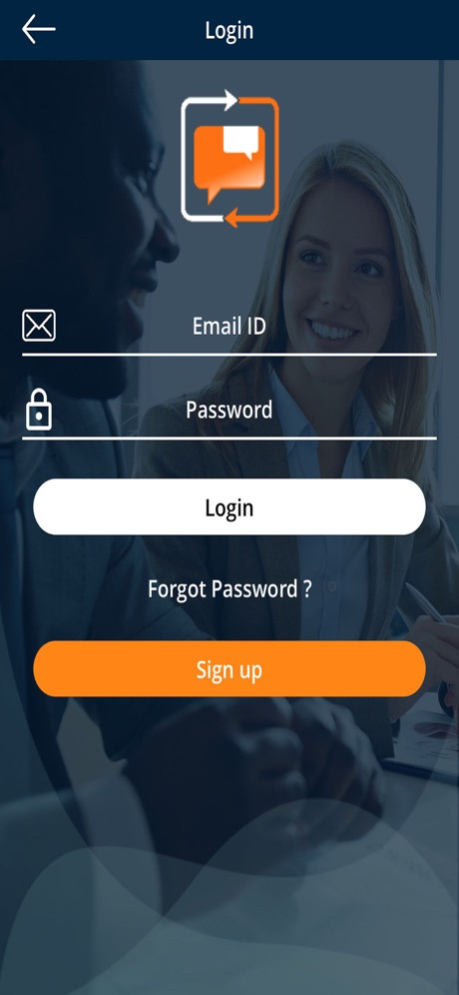
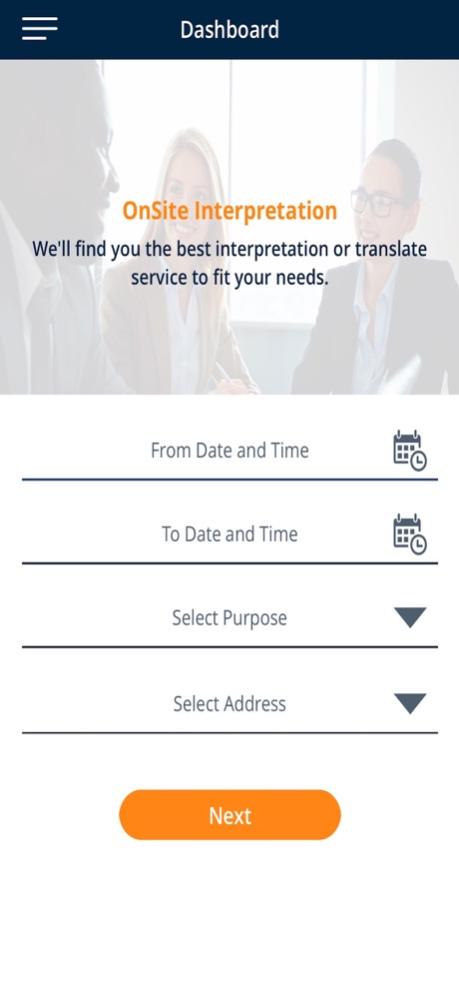
Interpreter Marketplace is the ultimate match-making platform for individuals and businesses to find the right interpreter to meet their language needs.
> Clients can log in to the app and browse local interpreter pricing, ratings, backgrounds and choose the interpreter that best fits their needs.
> Highly qualified interpreters log in to the app to set their own schedule, determine their own rates, compare rates of other interpreters and decide what appointments to accept.
> All appointment details, such as time and place, are determined between the client and the interpreter.
Whether a request is from a business or an individual, Interpreter Marketplace helps clients successfully facilitate communication between diverse parties by finding skilled interpreters. You can request verbal interpretation and sign language services through the app; for document translation or transportation services please visit
www.interpretersunlimited.com.
Our easy to use app can be accessed through the Apple Store and is available for use 24/7/365.
Put the power of interpretation in the palm of your hand!
Jun 5, 2020
Version 1.1.9
Fixed minor issues and improved performance.
About Interpreter Marketplace
The company that develops Interpreter Marketplace is Interpreters Unlimited, Inc.. The latest version released by its developer is 1.1.9.
To install Interpreter Marketplace on your iOS device, just click the green Continue To App button above to start the installation process. The app is listed on our website since 2020-06-05 and was downloaded 3 times. We have already checked if the download link is safe, however for your own protection we recommend that you scan the downloaded app with your antivirus. Your antivirus may detect the Interpreter Marketplace as malware if the download link is broken.
How to install Interpreter Marketplace on your iOS device:
- Click on the Continue To App button on our website. This will redirect you to the App Store.
- Once the Interpreter Marketplace is shown in the iTunes listing of your iOS device, you can start its download and installation. Tap on the GET button to the right of the app to start downloading it.
- If you are not logged-in the iOS appstore app, you'll be prompted for your your Apple ID and/or password.
- After Interpreter Marketplace is downloaded, you'll see an INSTALL button to the right. Tap on it to start the actual installation of the iOS app.
- Once installation is finished you can tap on the OPEN button to start it. Its icon will also be added to your device home screen.
Program Details
System requirements
Download information
Pricing
Version History
version 1.1.9
posted on 2020-06-05
Jun 5, 2020
Version 1.1.9
Fixed minor issues and improved performance.
